
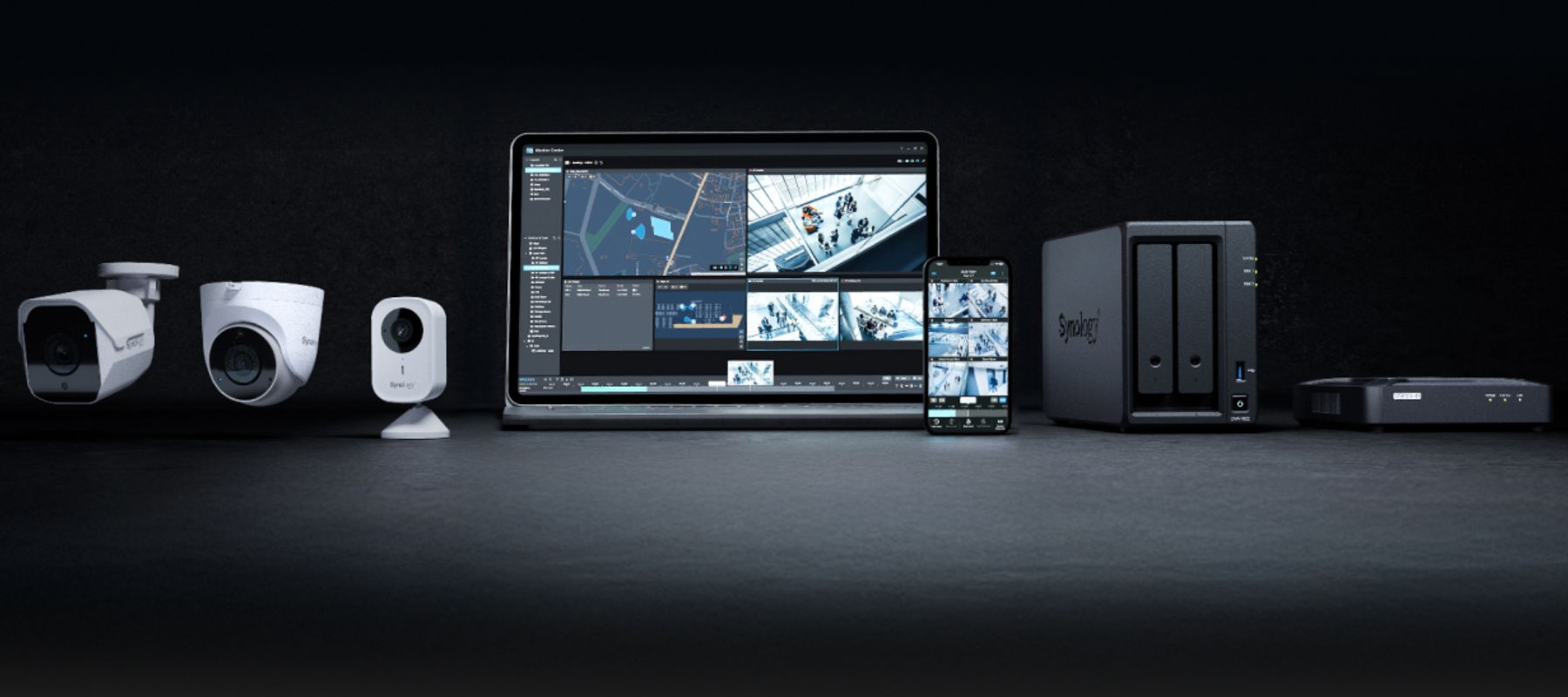
Why We Use Synology Surveillance Station as Our Preferred NVR Platform
Most CCTV installers push their own proprietary NVR hardware. We have moved most of our commercial installations onto Synology NAS devices running Surveillance Station, and the reasons are straightforward: better value, more flexibility, and a platform that clients can actually manage themselves.
When we specify a CCTV system for a commercial client, one of the most important decisions is what goes in the rack - or on the shelf - to record and manage the camera footage. The NVR (network video recorder) is the heart of the system. It stores the footage, runs the video management software, handles remote access, and in more sophisticated installations, manages analytics, motion detection and alerts.
For many years, the default in our industry was to use proprietary NVR hardware supplied by the same manufacturer as the cameras. Hikvision cameras with a Hikvision NVR, Dahua cameras with a Dahua NVR, and so on. It works, it is straightforward to install, and the manufacturer warranty covers the whole system. But it has limitations - chief among them that you are locked into one manufacturer's ecosystem and one manufacturer's software update schedule.
We still use proprietary NVRs in some installations, particularly for smaller sites where the simplicity justifies the trade-off. But for most commercial installations of any scale, our preferred platform is Synology Surveillance Station running on a Synology NAS device. This article explains why.
What is Synology Surveillance Station?
Synology makes NAS (network attached storage) devices - essentially small server appliances designed to store and serve data. They run Synology's own operating system, DSM (DiskStation Manager), which is a polished Linux-based OS that most IT-literate users find straightforward to navigate. Surveillance Station is a video management application that runs on top of DSM.
Surveillance Station is a full-featured VMS. It manages camera streams, records continuously or on motion trigger, handles multiple camera layouts, runs basic and advanced analytics depending on the camera, manages remote access via Synology's relay service or direct connection, and provides a mobile app for viewing live and recorded footage. It integrates with a wide range of IP cameras from dozens of manufacturers - Synology publishes a compatibility list that currently runs to over 8,000 camera models.
The base software licences for two cameras are included with every Synology NAS. Additional camera licences are purchased separately, and Synology's pricing is considerably more competitive than equivalent proprietary VMS licences from most CCTV manufacturers.
Camera agnosticism is the key advantage
The single biggest practical advantage of Surveillance Station for our clients is camera agnosticism. Because the platform works with cameras from Hikvision, Axis, Hanwha, Bosch, Avigilon, and a long list of others, we can specify cameras on the basis of which camera best suits the application - not which camera works with the NVR.
This matters practically for two reasons. First, it means NDAA-compliant installations are straightforward. If a client needs NDAA Section 889 compliant cameras, we specify Axis or Hanwha cameras and connect them to the Synology NVR without any software or compatibility complications. The NVR itself is Synology hardware made in Taiwan - not subject to NDAA restrictions.
Second, it means that when a client expands their system, they are not forced to stay with the same camera brand as the original installation. If they add a car park three years after the original installation and the camera market has moved on, they can specify whatever camera best suits the application at that point in time, connect it to the existing Synology NVR, and add a licence. No forklift upgrade of the recording platform required.
Storage flexibility and genuine scalability
Synology NAS devices are designed around storage flexibility. Depending on the model, you can install between one and 24 drives, mix drive sizes, configure RAID for redundancy, and expand storage by adding drives or connecting expansion units. For CCTV, this means you can right-size the storage for the number of cameras and the retention period the client requires, and add storage later without replacing the appliance.
Most proprietary NVRs have a fixed drive bay count and fixed maximum storage. If a client needs more retention or more cameras, they either buy a second NVR - with all the management complexity that involves - or they replace the unit entirely. With Synology, expansion is usually a matter of adding drives.
For a typical 16-camera commercial installation recording at 1080p with motion-triggered recording, a Synology DS1522+ with 5 drives provides around 30 days of footage at reasonable quality. If the client wants 60 days, we add drives or move to higher-capacity units. The calculation is transparent and the cost is predictable.
Remote access and management
Synology's remote access solution - QuickConnect - is genuinely good. Clients can view live and recorded footage from a browser or the Synology mobile app without needing to set up port forwarding or a VPN. For clients who prefer or require a direct connection, that is also supported. We configure remote access as part of every installation and train the relevant staff to use it.
DSM itself provides a system health dashboard, storage monitoring, and email or push notification alerts if a drive shows signs of failure, a camera goes offline, or storage drops below a threshold. This is the kind of proactive monitoring that most proprietary NVRs either do not offer or charge extra for. For clients who want us to monitor their system remotely - which we offer as part of our support contracts - the Synology platform makes that straightforward.
Who it is not right for
Synology Surveillance Station is not the right answer for every installation. Very small domestic or small-business installations - say, two or three cameras at a single premises - are often better served by a straightforward proprietary NVR. The cost-benefit of the Synology platform only becomes clear above a certain camera count and complexity.
Clients who require advanced video analytics - licence plate recognition, people counting, heat mapping - may need to look at higher-tier VMS platforms or cameras with on-board analytics, as Surveillance Station's native analytics are functional but not enterprise-grade. We will always tell clients honestly if a different platform better suits their requirements.
For most commercial CCTV installations in the 8 to 64 camera range, however, Synology Surveillance Station offers the best combination of flexibility, value, and long-term manageability that we have found. It is why it has become our default recommendation for new commercial installations.
Interested in CCTV Systems?
Our engineers cover Coventry, Warwickshire and the wider Midlands. Get a free, no-obligation site survey.